The AI tool space turned over in 2025–2026 and most "best of" lists from a year ago are wrong now. These are the picks that earn their cost for actual small businesses — not power users, not engineers — in mid-2026.
The core toolkit (5 tools, ~$60/month)
- Claude Pro or ChatGPT Plus — $20/month. Pick the one whose conversation style you prefer. Both are excellent. Avoid subscribing to multiple consumer LLMs.
- Granola or Otter.ai — $12–15/month. Auto-transcribes calls + generates summaries. Pays for itself the first week if you do client calls.
- Perplexity — free tier sufficient. Better than Google for research with citations.
- Cursor or GitHub Copilot — $20/month, only if you write code (even occasionally).
- Canva Magic Studio or Adobe Firefly — included in Canva $15/month. Image generation good enough for most marketing assets.
The four use cases that save real time
- Writing. Drafts of email, blog posts, proposals, marketing copy. Output gets 60–80% of the way; you finish. Calibrate it on your existing writing first.
- Research. Competitor analysis, market sizing, technology comparisons. Hours → minutes.
- Email triage. Categorizing inbox, drafting responses for routine queries. Saves 30–60 minutes daily.
- Content repurposing. Long article → LinkedIn post + tweets + newsletter section. Single source, multiple channels.
The use cases that are mostly hype (for now)
- "AI website builders." Output rarely beats a 1-day Webflow build. Better picks: no-code first, AI for assets within it.
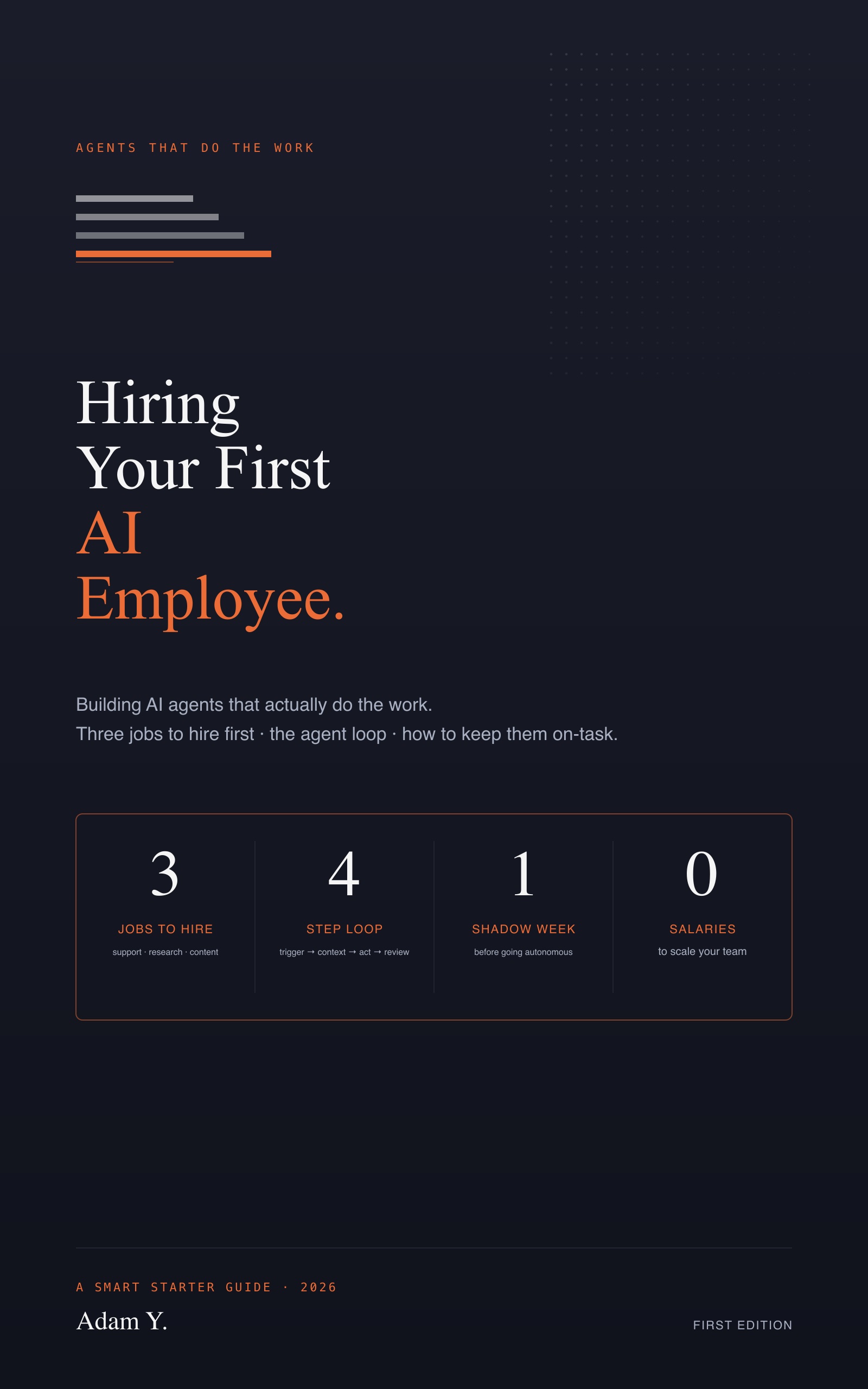
- Fully autonomous AI agents that "run your business." Real autonomous agents fail in subtle ways. Supervised AI ("AI drafts, you approve") works today. See Hiring Your First AI Employee.
- AI sales-call bots. Customers can tell, and they don't like it. Use AI to prep your team, not replace them on the call.
- "AI strategy consultants." Strategy advice from an LLM is usually a confident average of internet content. Useful as a thinking partner, dangerous as a final answer.
How to actually use AI well — the founder version
- Build a voice prompt. Paste 3–5 examples of your real writing into Claude/ChatGPT. Ask: "What are the patterns in how I write? Generate a prompt I can reuse to make you write like me." Save the result. Reuse forever.
- Use it for first drafts, never final drafts. The point is to start from 70%, not 99%. Your edits are where the value is.
- Keep a prompt library. A Notion page with the 10 prompts you reuse weekly. Email triage, social posts from blog drafts, meeting prep, etc.
- Audit time saved monthly. If a tool isn't measurably saving you time, cancel it. AI tool subscriptions accumulate fast and most go unused.
The 30-minute daily AI routine
What this looks like in practice: morning, paste your inbox into Claude with your triage prompt — get categorized list and drafted responses in 5 minutes. Mid-morning, use Perplexity to research one thing you'd have spent an hour Googling. Afternoon, run your meeting transcripts through your summarizer; share summaries to your CRM. Total: ~30 minutes of AI usage, ~2 hours of time recovered. That's the goal.
The full AI Tools for Business guide covers the toolkit, prompt engineering for non-technical founders, the 30-minute routine, and which use cases produce real ROI vs theater. Free sample chapter walks through your first AI workflow.
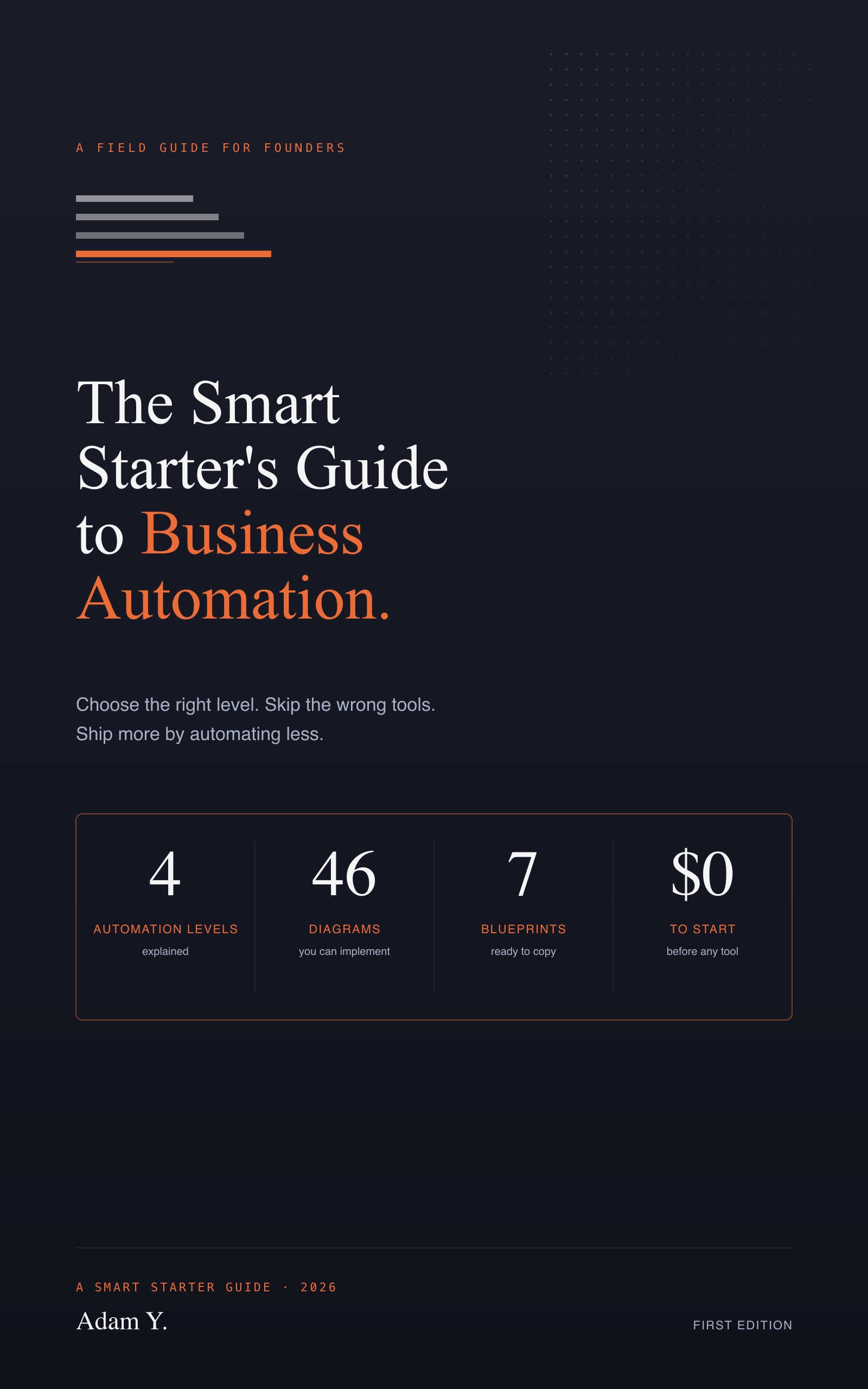
Adjacent reading: hiring your first AI employee, best automation tools, no-code vs code.